What to Know About Hydraulic Pump Nameplates: Purpose, How to Read, and Key Specifications

Hydraulic pump nameplates hold important information that helps you know exactly what pump you have and how it should be used. By reading the nameplate, you can quickly find details such as the manufacturer, model, serial number, and key operating specifications. This makes it much easier to choose the right pump, order parts, and perform maintenance.
A nameplate might look confusing at first, but understanding the codes and numbers saves time and avoids mistakes. Knowing how to spot compliance marks and expiration dates helps you keep your system safe and up to standard. Consult this guide to understand why hydraulic pump nameplates are so important, as well as how to read them.
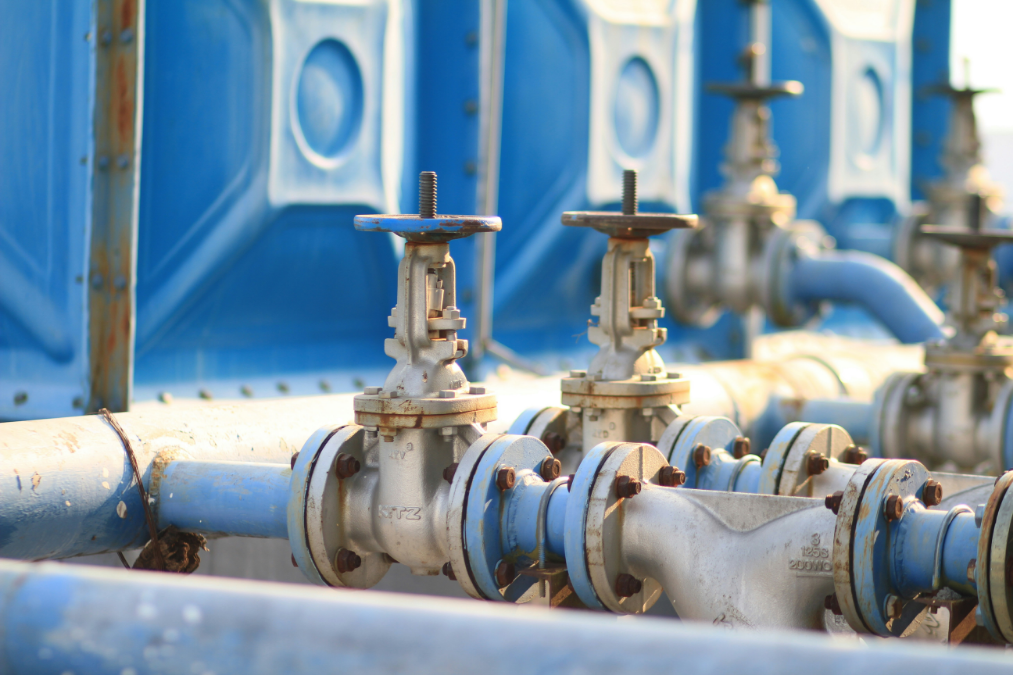
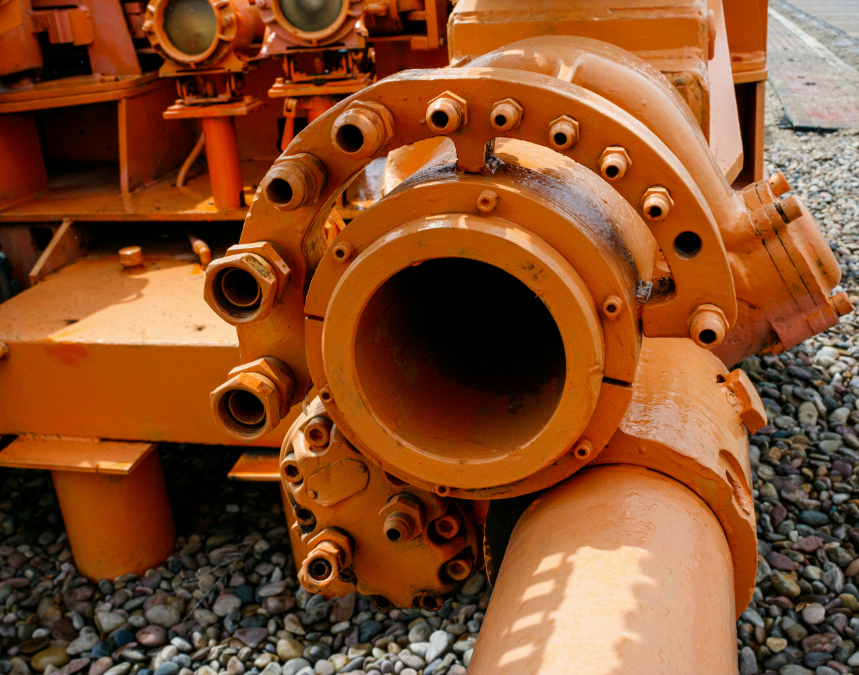
Photo by Jahhid Fitrah Alamsyah from Unsplash
Hydraulic pump nameplates provide the most important details about a pump at a glance. They explain what the pump can do, list key numbers, and help you match a pump to its specs or find support if you need repairs.
An equipment nameplate is metal or a small plastic equipment tag attached to your hydraulic pump. Its main job is to share the pump’s main details in a permanent, easy-to-read way.
This information helps you understand what the pump is built to handle, such as pressure and flow. It also acts as a quick reference when you need to order new parts, check warranty coverage, or get technical support.
Machine nameplates are required by safety and quality standards for many types of equipment. If the nameplate is missing or unreadable, you may have trouble with repairs, maintenance, or meeting regulations.
Most hydraulic pump nameplates follow a common format. Here are the details you’ll commonly find:
Some pumps may list extra details, such as temperature ranges or oil types. Always check the nameplate before using or installing the pump.
You need hydraulic pump nameplates to quickly and correctly identify your pump when ordering spare parts or checking compatibility. Understanding this information helps you avoid mistakes that can lead to faulty repairs or wrong parts.
If your pump fails or requires service, the nameplate provides technicians with all the necessary details for quick troubleshooting. Insurers and inspectors may also check hydraulic pump nameplates to make sure your equipment meets legal and safety rules.
Without a readable nameplate, it can be hard to get support, find documentation, or even prove what kind of pump you have. Keeping the nameplate clean and undamaged is important for the life of your pump, although opting for a durable nameplate is also a best practice. Trusted manufacturers like Metalphoto of Cincinnati are the gold standard for hydraulic pump nameplates designed to stand the test of time.
Hydraulic pump nameplates hold important details about the pump’s identity and capabilities. Carefully reading these tags helps you confirm the correct pump, order replacement parts, and follow service guidelines.
A typical pump nameplate shows several pieces of information in a small space. The layout might include numbers, letters, symbols, and sometimes QR codes.
Each section of the nameplate serves a purpose. Some pieces of data identify the pump’s model, while others show when and where the pump was made. It’s essential to understand what each section means, so you can use the nameplate to access technical information or support.
Look for these key data points:
If you’re unsure what a code or detail means, refer to the pump’s manual or contact the manufacturer for clarification.
Model numbers tell you which kind of pump you have. This is important when looking for parts or checking compatibility with other systems. Each digit or letter in a model number may represent a specific feature, such as pump size, type, or special options.
Unlike model numbers, which multiple units will share, serial codes are unique to each pump. They help track when and where the pump was made. Sometimes, the serial number includes the production date or plant location.
Manufacturers may have a chart in their manual to explain these codes. If not, you can often find a guide on their website. Below is a simple example:
| Code | Meaning |
| PVQ40 | Series/Type |
| AX | Axial piston pump |
| F | Flange mounting |
| 10 | 10 GPM flow rate |
Always double-check both the model and serial numbers before ordering parts for your hydraulic pump.
Hydraulic pump nameplates usually list the company that made the pump. Look for the manufacturer’s full name, logo, or, in some cases, just the initials. This helps you know who to contact for support or spare parts.
You may also see the country of origin or a factory code. This can be particularly useful when different factories produce similar models or when certain regions have different regulatory requirements.
In some cases, authorized dealers add their own stickers or labels with extra information. If there is more than one name on the pump, use the name on the actual nameplate for official communication.
Write down the manufacturer’s details if you plan to call them for service. Sometimes, pumps look similar but come from different makers, so this part of the nameplate is important.
Technical data on the hydraulic pump nameplate tells you how the pump should be used. Look for data such as:
This information lets you match the pump to your system. Using the wrong pressure or flow setting can damage equipment or cause safety risks.
Sometimes, you will see these details in a simple list or table. For example:
| Specification | Value |
| Pressure | 3000 psi |
| Flow | 10 GPM |
| Fluid | ISO 46 |
Always check these numbers before installing or replacing a pump. If anything is missing or unclear, check the manual or talk to the manufacturer.
Hydraulic pump nameplates list important details that help you choose, use, and maintain your pump. Understanding these details helps you to determine if a pump meets your needs and operates safely.
Flow rate indicates the volume of fluid your pump can move within a specified time. It is usually given in gallons per minute (GPM) or liters per minute (LPM). A higher flow rate means the pump can move more fluid in the same amount of time.
You should match the flow rate with the needs of your hydraulic system. A flow rate that’s too low might make your system slow, while a rate that’s too high can cause issues like heat buildup. Most nameplates list the flow rate at certain speeds and conditions.
Here’s a quick look at where to find flow rate details on a nameplate:
| Label | Sample Value |
| Flow Rate | 10 GPM |
| Flow Range | 5–12 GPM |
Always check if the listed flow rate fits the requirements of your equipment.
Pressure ratings indicate the maximum pressure the pump can safely handle. It is usually listed in PSI (pounds per square inch) or bar. There are usually two values: maximum working (continuous) pressure and peak (intermittent) pressure.
Running a pump above its rated pressure can cause damage and safety risks. Ensure the pump’s pressure ratings match or exceed the highest pressure required by your system.
Hydraulic pump nameplates may use different terms to describe the pump’s pressure ratings. “Max working pressure” is the top limit for regular use, while “peak pressure” means the pump can support short bursts of additional pressure, but not for extended periods.
If the nameplate lists more than one pressure, always follow the lowest one for safe operation.
The material information tells you what the main parts of the pump are made of. This is critical because the wrong materials can rust, wear out, or react badly with the fluid.
Common materials include:
Some nameplates list all materials used, others only the housing. If you use special fluids, check that the materials resist corrosion. This helps avoid leaks and early pump failure.
Operating conditions on the nameplate indicate the environment and limits in which the pump operates most efficiently. This may include temperature range, types of hydraulic fluid, rotation direction, and duty cycle (how long it can run without stopping).
Key details to check include:
Using the pump outside the listed conditions can lead to failure or reduced lifespan. Always match your setup to these details for safe use.

Photo by Ascel Kadhem from Unsplash
Hydraulic pump nameplates often display specific markings to indicate that they meet industry requirements. These details tell you if a pump is approved for use, meets safety rules, or has passed important testing.
Industry standards are displayed on nameplates to demonstrate that the pump was manufactured and tested to meet basic quality or performance requirements. These standards come from groups like the International Organization for Standardization (ISO) or the American National Standards Institute (ANSI).
For example, if you see ISO 9001, this means the pump maker follows quality management practices. Other codes, such as DIN or SAE, refer to specific measurements or design qualities the pump meets.
It helps to look for these standards before choosing a pump. Pumps that meet recognized standards usually perform better and last longer.
Regulatory labels are often required by governments or local laws. These labels show that the hydraulic pump follows safety, environmental, or efficiency regulations for the country or region where it is sold or used.
Common regulatory labels include:
These labels help you determine if a pump can be legally used in your area. Always check the regulatory labels to ensure the pump complies with local regulations before using or installing it.
Safety certifications show that a third-party group thoroughly tested and approved a hydraulic pump. These marks mean the pump is less likely to cause harm when used as instructed.
Some common safety certifications you may see include:
These certifications are important for protecting workers and preventing accidents. They show your pump is safe to operate in the settings listed on hydraulic pump nameplates. Always look for these safety marks if your pump will be used in harsh or dangerous locations.
Hydraulic pump nameplates contain important information, including model numbers, serial numbers, and technical details. Keeping this data legible and accurate is crucial for maintenance, safety, and ensuring compliance with legal regulations.
You should record all details from the nameplate as soon as you receive your pump. This includes the manufacturer, model, serial number, flow rate, pressure ratings, and date of production.
Example nameplate fields include:
| Field | Example |
| Manufacturer | ABC Hydraulics |
| Model | HPX-2000 |
| Serial Number | SN3456789 |
| Flow Rate | 15 GPM |
| Max Pressure | 3000 PSI |
| Production Date | 2024-10-15 |
Store these records in both digital and physical formats, such as spreadsheets and printed files. If the nameplate becomes worn or unreadable, this documentation lets you retrieve accurate data quickly. The information is also useful when ordering replacement parts or scheduling maintenance.
If a nameplate is missing or damaged, you must replace it with one that matches the pump’s exact details. Only use information from original documents or records, not guesses or estimates.
Order replacement nameplates from the pump’s manufacturer or an approved supplier like MPC. Never alter or falsify any information on a nameplate. Attach the new nameplate securely to the original mounting area using fasteners or adhesive specified by the pump company.
Always inspect hydraulic pump nameplates during regular maintenance. Look for signs of rust, fading, or physical damage and replace or repair the plate before information is lost.
Nameplates must follow local and international rules for labeling equipment. Many regions have laws that require pumps to display clear and permanent identification. Missing or incorrect nameplates can result in fines, legal action, or the shutdown of equipment.
If you work in a regulated industry, such as oil and gas or manufacturing, double-check standards from groups like OSHA or ISO. Regulations may specify details like font size, language, or durability of the nameplate.
Replacing a nameplate with the wrong information or failing to update records can affect warranty coverage. It may also create liability problems if accidents happen. Always document every change and keep records for inspections or audits.
Whether you’re sourcing a replacement, performing routine inspections, or ensuring regulatory readiness, understanding your pump’s nameplate is essential. They play a big role in safety, compliance, and maintenance.
However, corroded, faded, and damaged hydraulic pump nameplates can put your organization at risk of safety issues, legal fines, and inefficiencies. It’s best to opt for high-quality nameplates from the start to prevent these issues.
Metalphoto of Cincinnati’s durable nameplates last the life of your hydraulic pumps, even in the toughest environments. Get hydraulic pump nameplates that meet compliance standards. Request your free label and tag evaluation kit today from MPC.
You can find important details about your hydraulic pump by reading its nameplate. These details help you understand the pump’s operation, limits, and troubleshooting needs.
A hydraulic pump nameplate usually lists the manufacturer’s name, model number, and serial number.
You will also see key technical data, such as maximum flow rate (Qmax), maximum pressure, and speed.
Other details may include year of manufacture, certification marks, and connection size.
‘Qmax’ stands for the maximum flow rate the pump can deliver, measured in liters per minute (L/min) or gallons per minute (GPM).
If you operate the pump above its Qmax, performance can drop and damage may occur.
Always make sure your system stays within this limit for safe and effective use.
The letters ‘A’ and ‘B’ usually refer to the ports or sides of a hydraulic component.
For example, ‘A’ is often used for the inlet or pressure port, while ‘B’ may be the outlet, return, or secondary port.
Check your manual for exact definitions since meanings can change with pump type.
Reading and understanding the nameplate ensures you use the pump within its safe limits.
It helps you order the correct spare parts and find the right documents for repair.
If a problem comes up, the information on the nameplate makes it easier to contact support and describe your exact model.
Our sales engineers are experts in automatic asset tracking, tagging and identification,a nd can answer all your questions. Get in touch now.
Lets Talk ›Enter your information and get a free guide that will give you a detailed overview of metal labeling, its advantages over alternative label materials, and all the best practices for using metal labels in your own business or organization.