How to Read a Pump Nameplate: Essential Information for Accurate Pump Identification


Pumps are an essential part of many systems. Proper installation, operation, and maintenance are crucial to keeping your pump in working order; however, many employees and contractors require on-the-ground guidance for proper use. That’s where pump nameplates come in.
Attached to the pump itself, the pump nameplate information ensures your team makes safe, informed decisions about this crucial piece of hardware. Reading a pump nameplate might seem confusing at first, but it is actually straightforward when you know what to look for. Pump nameplates provide key information, such as the model number, flow rate, and power, providing the information needed for anyone to select, operate, or maintain the pump correctly.
Knowing how to find and use these details can prevent mistakes and save time on the job. People often overlook the pump nameplate, but reading it is crucial for both safety and optimal performance. It helps the pump operator or maintenance technician determine if the pump meets site needs and find the right parts when repairs are needed.
However, not all nameplates are created equally. Faded, corroded, or illegible labels can significantly impact your operations, compromising safety and efficiency. That’s why manufacturers turn to trusted partners like Metalphoto of Cincinnati to produce durable, high-quality nameplates that withstand the harshest industrial conditions.
In this guide, we’ll break down the key elements found on pump nameplates and why they matter, so you can keep your systems running smoothly and avoid costly missteps.
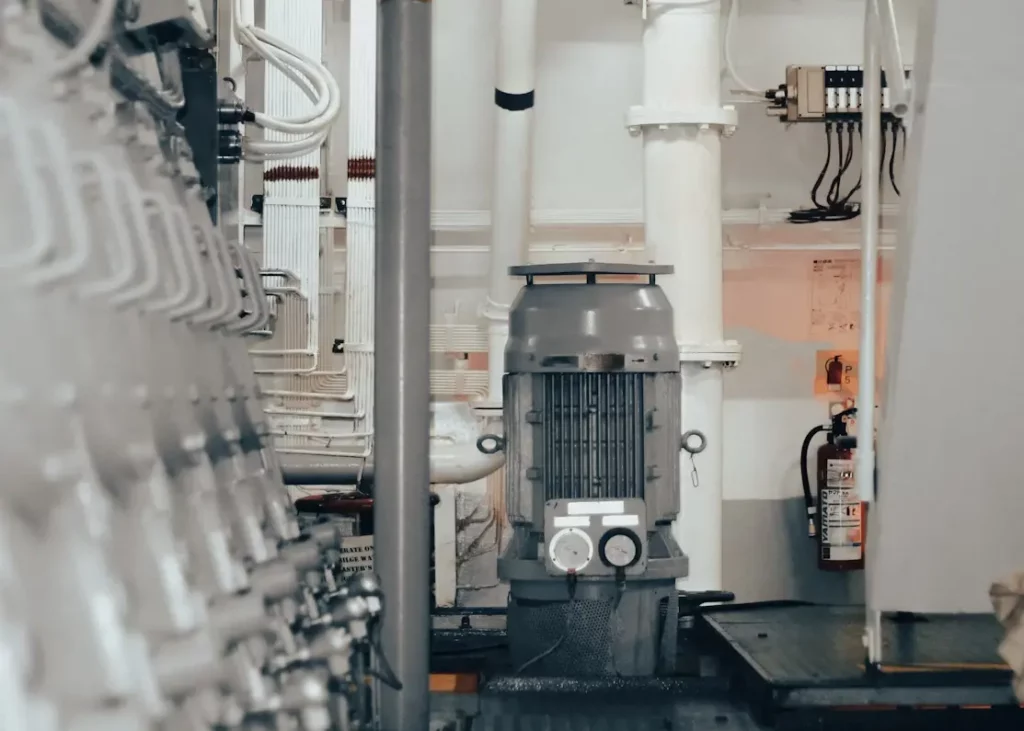
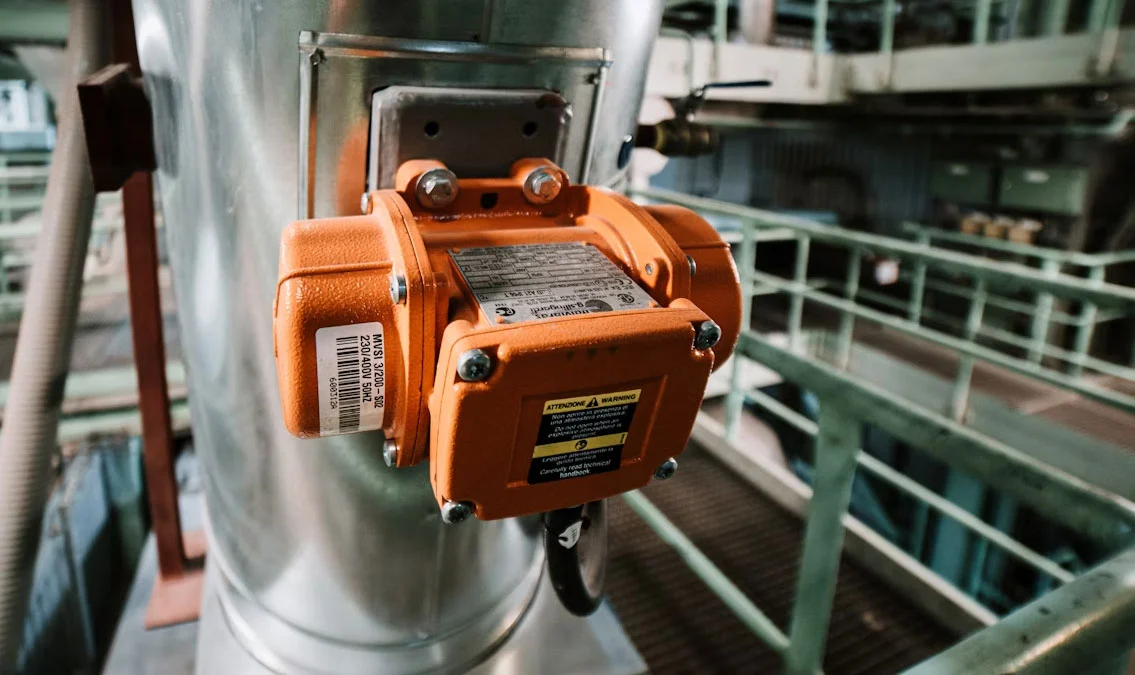
Photo by iSawRed from Unsplash
A pump nameplate is a small metal or plastic tag attached to a pump. The main purpose of the pump nameplate is to provide correct, up-to-date information about the pump. This lets anyone working on the pump quickly check its exact specs. It also speeds up the ordering of replacement parts by showing the exact model and serial number.
For safety, the nameplate indicates the safe operating limits for the pump. This reduces mistakes like running the pump at too high a pressure or speed. Manufacturers use these details to honor warranties, since misuse outside the listed data may void support. Correct pump nameplate information saves time and avoids expensive errors.
While it’s possible to operate a pump without a nameplate, this opens you up to safety issues, confusion, and expensive breakdowns. Adding pump nameplate details to all pumps helps you:
However, pump nameplates are only helpful if they’re readable over time. That’s why manufacturers trust Metalphoto of Cincinnati for high-quality, durable pump nameplates that withstand heat, chemicals, moisture, and abrasion. With MPC’s permanent identification solutions, critical specs remain visible for the life of your pump, ensuring safe, efficient, and reliable operation.
Pump nameplates must resist weather, chemicals, and physical wear. Most nameplates are made from stainless steel, aluminum, or tough plastics. Stainless steel lasts longer in harsh environments.
Nameplate data may be:
Many nameplates use both numbers and simple codes. Some include tables or diagrams for quick reference.
Layout may vary by brand but always follows a standardized order. Information is shown in rows or columns for a fast scan. Simple icons or lines can highlight key pump nameplate information, making the data easy to find even in low-light or tight spaces.
Photo by The Blowup on Unsplash
Pump nameplate data provides users with the necessary details to identify, operate, and maintain their pump correctly. Common pump nameplate details include who made the pump, its unique number, when it was built, and how it’s designed.
Every pump nameplate lists the manufacturer’s name and the pump’s model number. This information tells users exactly who made the pump and what design it follows. The manufacturer’s name is usually printed at the top of the plate.
The model number is critical for finding manuals, spare parts, or technical support. Without this, ordering replacement parts or getting help becomes more difficult and time-consuming. Some nameplates also include a company logo for quick recognition.
Here is an example of how this information may look on a nameplate:
| Manufacturer | Model Number |
| Smith Pumps Inc. | SPX3000 |
| WaterWorks Co. | WW-250A |
Reading this section ensures users always know the pump’s exact make and model.
The serial number is a unique set of numbers, sometimes combined with letters, assigned to each pump. This number allows users to trace the pump’s exact history, including when and where it was manufactured.
Date codes are often shown as either a full date (MM/DD/YYYY) or as a code the manufacturer uses. Knowing the date code helps users figure out the pump’s age, track warranty status, and check for product recalls. It’s also useful when calling for service or support.
Both the serial number and date code are important for safety records, maintenance planning, and quality checks. Most companies keep records of pump nameplate data using these numbers.
Pump nameplate details usually include the pump type, such as centrifugal, diaphragm, or gear pumps. Knowing the pump type helps users understand what the pump is best used for and what kind of liquids it can handle.
The configuration often describes whether the pump is horizontal or vertical, if it is single-stage or multi-stage, and sometimes the material of key parts. This part of the nameplate can also list special features like seal type or impeller size.
Understanding the pump type and configuration helps in setting up, running, and fixing the pump. It is critical for anyone who needs to replace parts or compare the pump to others when planning upgrades.
Pump nameplates provide technical information that describes how the pump will operate under certain conditions. Knowing how to read this data helps users pick the right pump for their needs and operate it safely.
Flow rate is often shown in gallons per minute (GPM) or liters per minute (L/min). It indicates the volume of liquid the pump can move within a specified time frame.
Head, usually listed in feet or meters, indicates the height to which the pump can raise the liquid. This measurement is important for systems with different heights or pressure needs. Both flow rate and head work together, meaning a higher flow rate might reduce the measured head.
For example, a nameplate might list “Flow: 100 GPM” and “Head: 50 ft.” It is crucial to match these numbers to your actual system needs. Ignoring them may lead to poor pump performance or possible damage.
The maximum pressure rating is written in pounds per square inch (PSI) or bar. This indicates the maximum pressure the pumped liquid can withstand without harming the pump.
The maximum temperature rating indicates the highest liquid temperature that the pump can safely handle. On most nameplates, these will look like:
Exceeding these ratings can damage the pump, cause leaks, or create safety hazards. Always check the actual system pressure and temperature to make sure they are below the ratings listed on the nameplate. This will help extend pump life and avoid breakdowns.
Pumps operate on electric motors or engines, and the power requirement is typically specified in horsepower (HP), kilowatts (kW), or volts and amps for electrical power.
The nameplate might have information such as:
It’s important to connect the pump to the right electrical supply. Using the wrong voltage, current, or horsepower can harm the motor or cause it to not start. Always match your power source to the one listed on the nameplate to ensure your equipment runs correctly.
Impeller size is usually marked in inches or millimeters.
It displays the diameter of the pump’s impeller, a crucial component that propels the liquid. The impeller size often affects both the flow rate and the pressure the pump can achieve.
A common entry on the nameplate might be “Impeller: 7.5 in.” If the impeller is changed or trimmed, the flow and pressure will also change. Always use the size listed on the nameplate unless a pump professional adjusts it for a new application.
The impeller size is also useful for ordering replacements or parts, as having the wrong size can hurt pump performance.
Pump nameplate data helps owners and technicians pick the right parts, install the pump properly, and keep it running well. Each piece of information on the nameplate has a role in everyday decisions and tasks.
The pump nameplate lists important specs like model number, serial number, and material codes. These details are needed to order replacement parts that will fit and work correctly.
Using exact numbers prevents mistakes when buying items like seals, gaskets, or bearings. Selecting the incorrect part can lead to leaks or damage. The material codes also matter, as they show what the pump can handle, like certain chemicals or high temperatures.
Many manufacturers use unique codes for their parts. If the wrong code is given to a supplier, there could be delays or returns. Having the right information from the nameplate helps avoid these issues. The table below lists examples of common nameplate fields used for parts selection:
| Field | Purpose |
| Model Number | Identifies the pump type |
| Serial Number | Tracks production and version |
| Material Code | Checks chemical compatibility |
| Max Pressure | Chooses safe parts |
| Flow Rate (GPM) | Sizes replacement components |
The nameplate includes maximum pressure, temperature ratings, and rotation direction. These numbers must be checked before installation to avoid failures.
For example, if a pump is rated for 100 psi but installed in a system with higher pressure, it could burst or fail. The rotation arrow or phase data makes sure the motor turns the pump in the correct direction. Incorrect rotation can cause no flow or internal damage.
Mounting and alignment must also follow the guidelines specified on the nameplate. Height, weight, and base requirements are often listed to match support structures. Reading and using these details can prevent vibration, noise, and early breakdowns.
The nameplate shows the pump’s best efficiency point (BEP), recommended speed (RPM), and required horsepower. These guide regular maintenance and performance checks.
If the pump runs far from its BEP, it can waste energy, overheat, or wear out faster. Checking the actual readings against nameplate values helps catch issues early. For example, if the flow rate is lower than the nameplate’s minimum, there may be a clog or a worn part.
Many pumps also show the type and amount of lubricant needed. Using the wrong oil or grease can shorten the life or cause noisy operation. Maintenance logs should note the date, details from the nameplate, and any service done to help track long-term reliability.
All employees should be able to understand the pump nameplate details at a glance. Not only will this information help them make more informed decisions about system design and maintenance, but it also ensures safety and prevents unplanned downtime.
Whether you’re troubleshooting performance issues, replacing parts, or planning new installations, that small metal tag holds the data you need to get the job done right. From flow rate to motor specs, these details ensure your system runs safely, efficiently, and without guesswork.
However, your team can’t work efficiently if the pump nameplate is scratched, faded, or otherwise unreadable. The quality of the nameplate attached to the pump matters just as much as the information on it.
A durable equipment nameplate from Metalphoto of Cincinnati ensures that your pump’s critical details stay legible and intact for the long haul, no matter the environment. Request your label and tag evaluation kit today to see the MPC difference firsthand.
If the nameplate is damaged or missing, contact the pump manufacturer with any available details (model, serial number, photos). If no data can be recovered, you may need to do a site assessment or flow test.
Yes, but it’s risky. Operating without understanding the pump’s limits (e.g., max flow, head, voltage) can lead to inefficiencies, breakdowns, or even safety hazards. Always check the nameplate before installation or maintenance.
No. While most nameplates include similar core specs (flow rate, head, HP, voltage), the format, placement, and extra fields (like material codes or impeller size) can vary by manufacturer and use case. Some may also include QR codes or digital tracking info for maintenance logs.
Our sales engineers are experts in automatic asset tracking, tagging and identification,a nd can answer all your questions. Get in touch now.
Lets Talk ›